Photoshop For Fabric Design:
Illustration
Learn to take your hand‑drawn illustrations through every Photoshop step — from scanning and clean‑up to colourways, layout and a production‑ready repeat
Whats includedWho This Course Is Designed For

Turn illustrations into repeat‑ready, print‑ready artwork with ease
Up Skill with People who Know about design
We are Longina Phillips Designs, a world-leading surface design studio.
We're proud creators of stunning textile and surface designs gracing the collections of world-renowned brands. As one of the world's leading studios, we've gathered our team in the studio to share their design and painting skills with you.
What's inside:
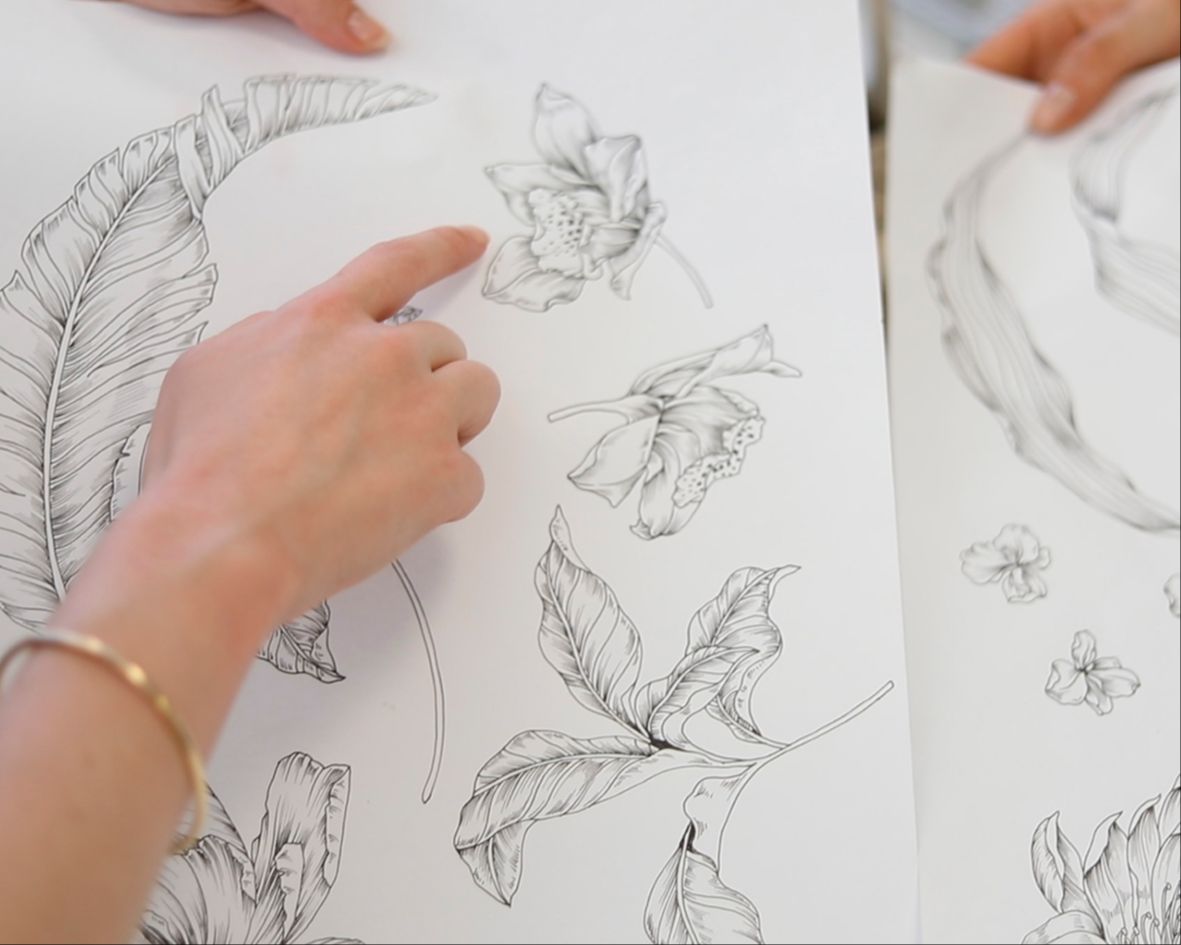
Module 1
Preparing Your Illustrations for Photoshop
Learn how to bring illustrated artwork into Photoshop correctly, whether it’s hand‑drawn, digitally sketched, or a combination of both.
This module focuses on clean file setup and preparation so your illustrations remain flexible and editable as you move through the design process.
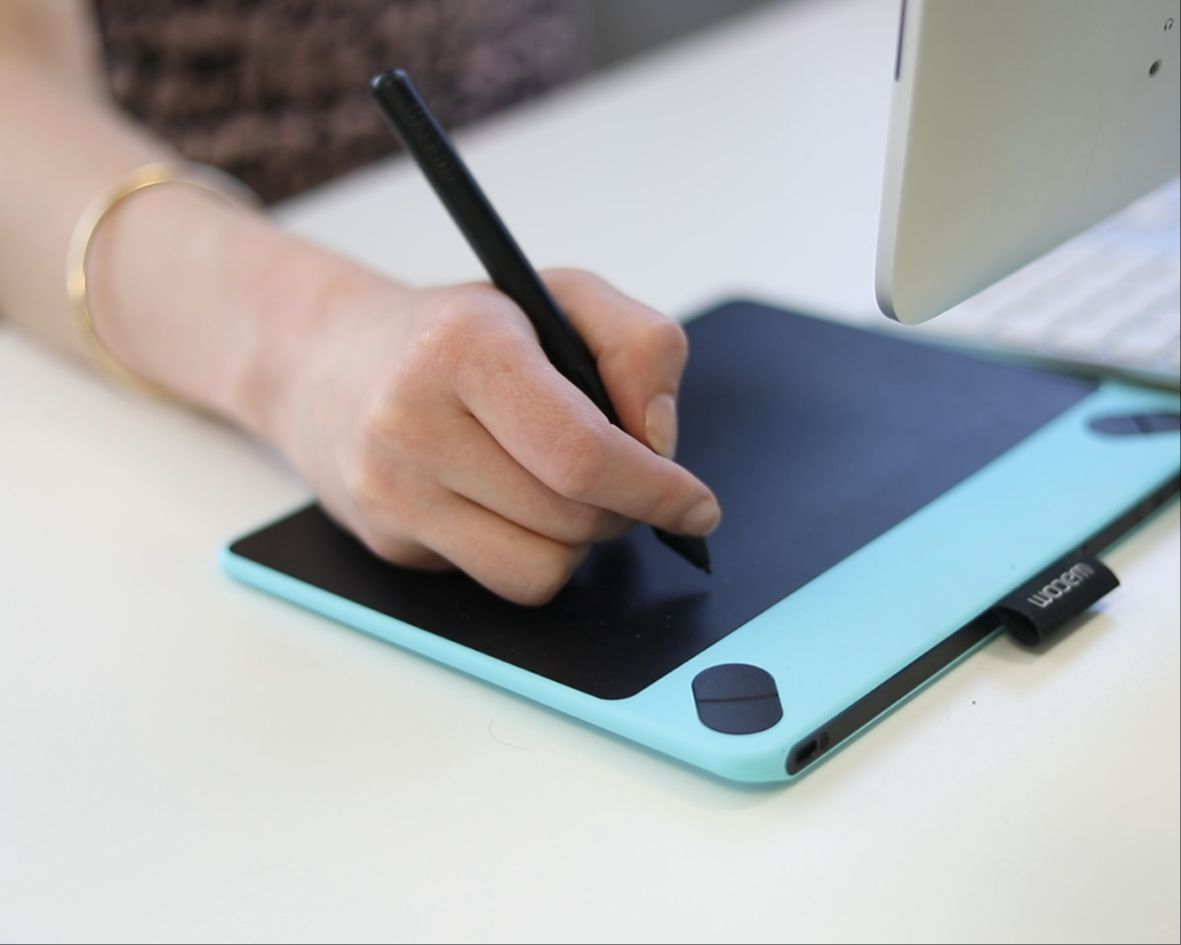
Module 2
Cleaning & Refining Linework
Discover how to clean, refine, and adjust illustrated elements without losing character or detail.
You’ll learn techniques for improving clarity, correcting imperfections, and preparing your artwork so it’s suitable for professional fabric design workflows.
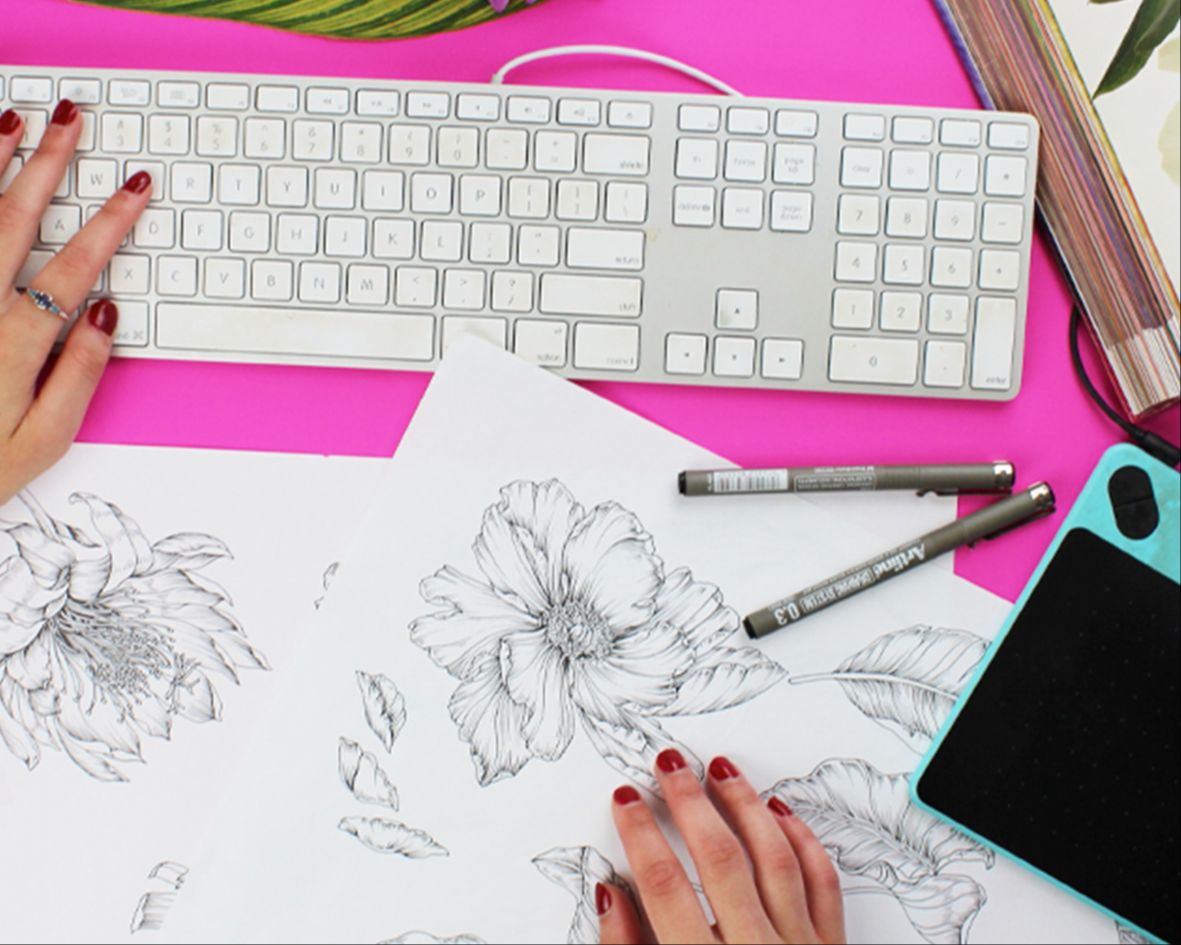
Module 3
Building Flexible Design Elements
Learn how to separate and organise your illustrated motifs so they can be reused, resized, and rearranged easily.
This module focuses on creating a practical design library rather than static artwork.
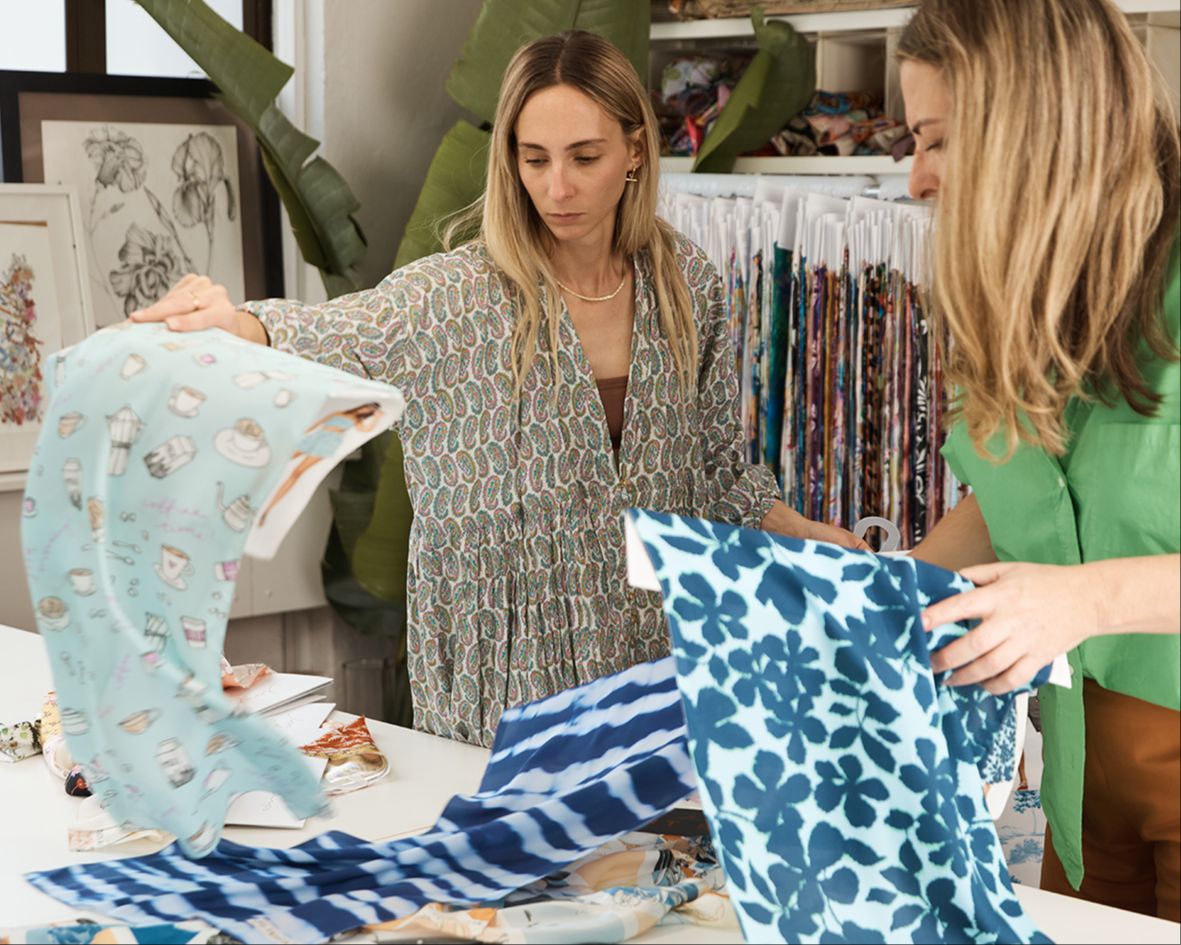
Module 4
Layout & Composition for Fabric Design
Move from individual illustrations to complete fabric designs.
You’ll learn how to create balanced, flowing layouts that work across repeat patterns, panels, and placements — with an emphasis on commercial usability.
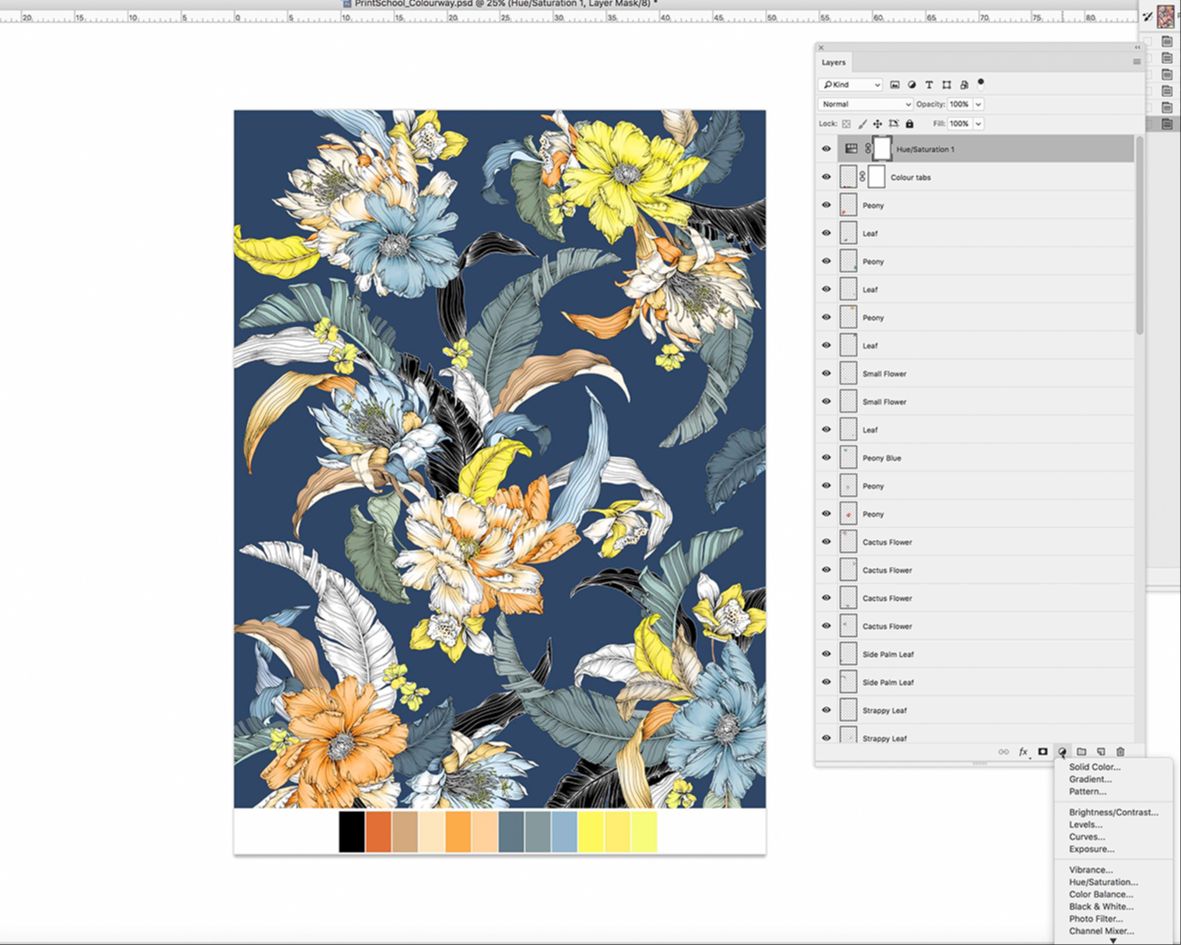
Module 5
Creating Colourways Efficiently
Learn how to recolour illustrated designs cleanly and efficiently using Photoshop.
This module shows you how to build multiple colourways without rebuilding designs from scratch, allowing your artwork to adapt to different briefs and markets.
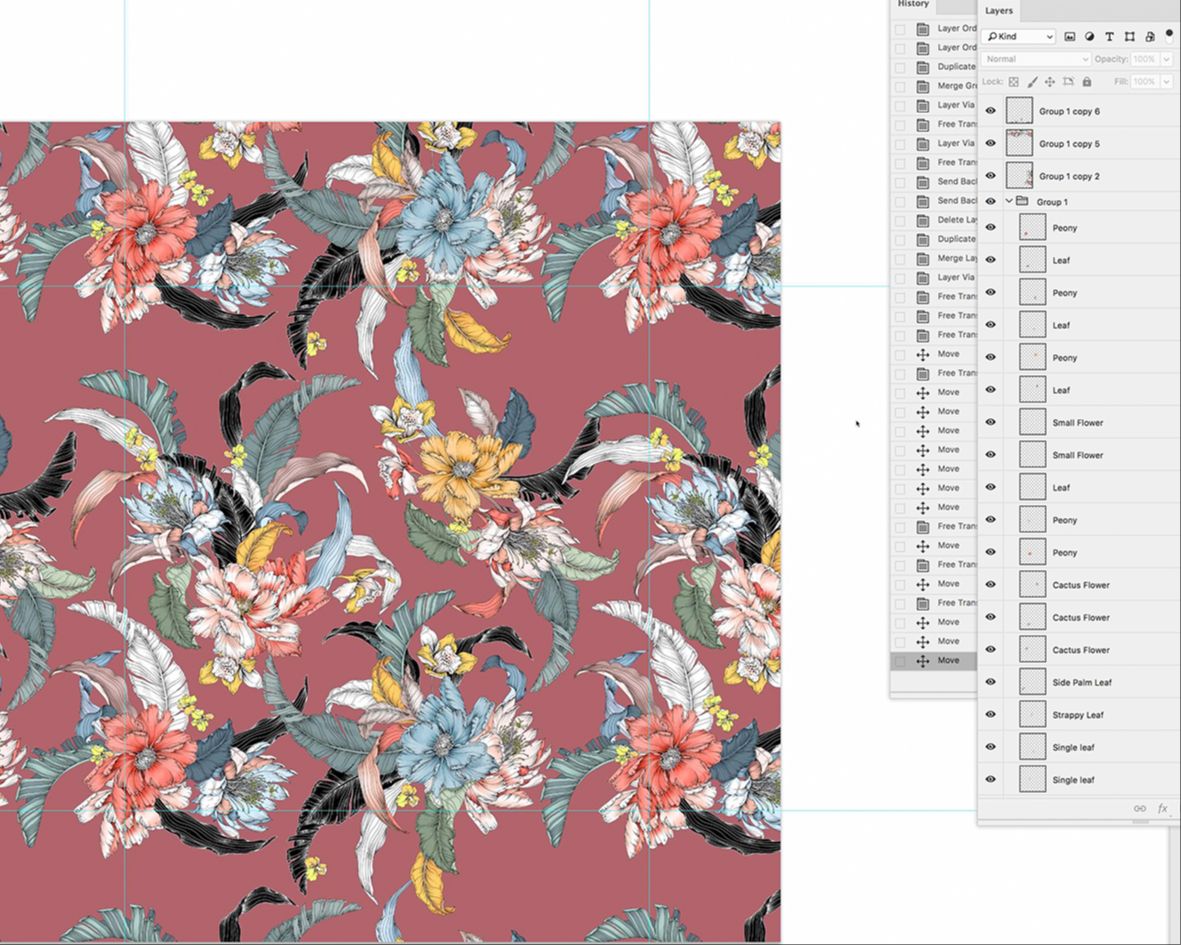
Module 6
Creating Repeats in Photoshop
Understand how to build professional repeating designs using illustrated motifs.
You’ll learn repeat setup, spacing, and alignment techniques so your designs tile seamlessly and hold up at production scale.

Module 7
Final Checks & Industry Preparation
A practical finishing module covering common issues, final refinements, and preparation steps designers use before submitting artwork for production or client review.
This module helps ensure your illustrated designs are technically sound and ready to be used professionally.
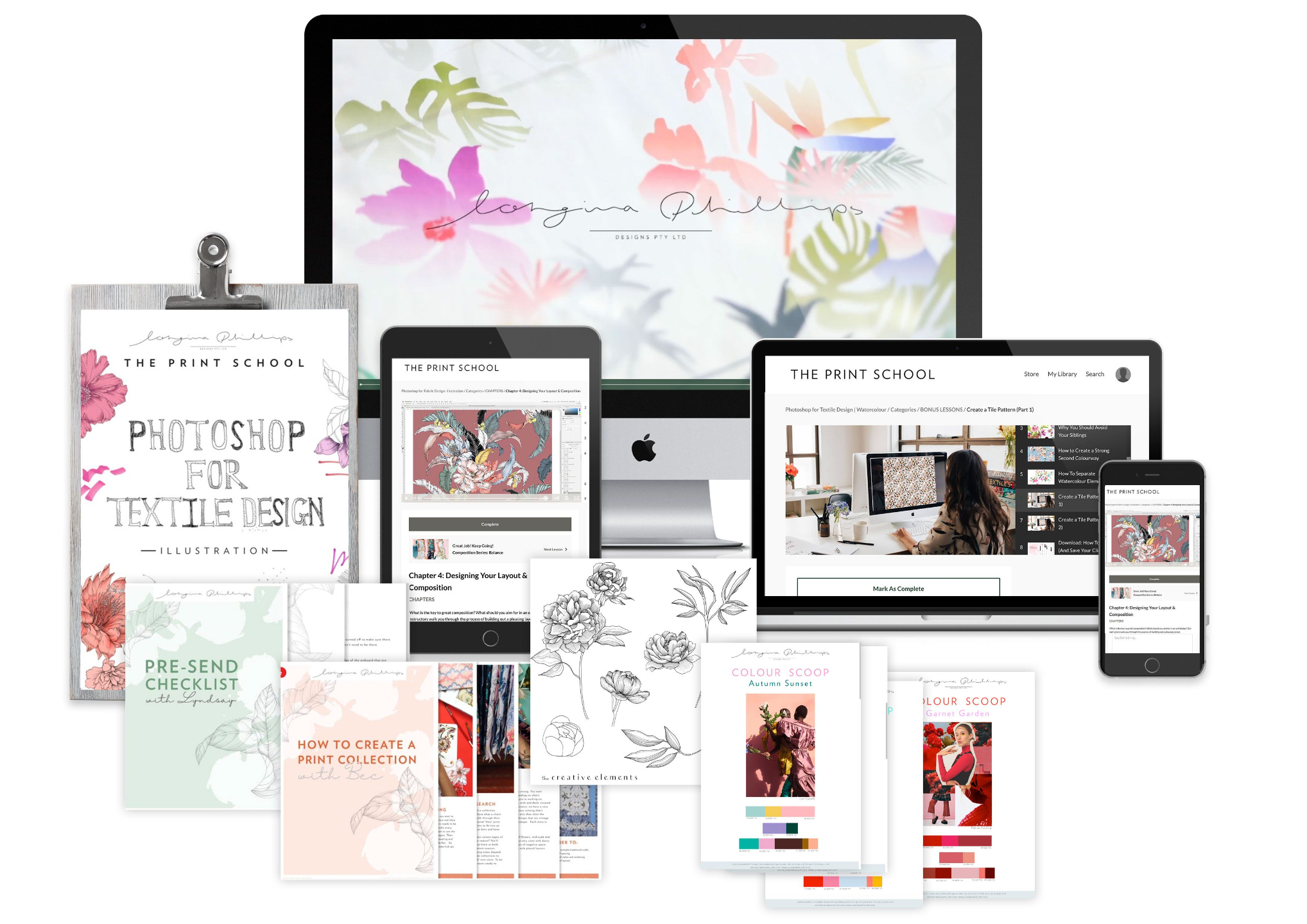
Get all of this...
-
17 chapters
-
1.5 hrs of video lessons
-
In depth workbook
-
Homework and quizes
-
2 downloadable articles
-
Industry acknowledged Completion Certificate
PLUS!
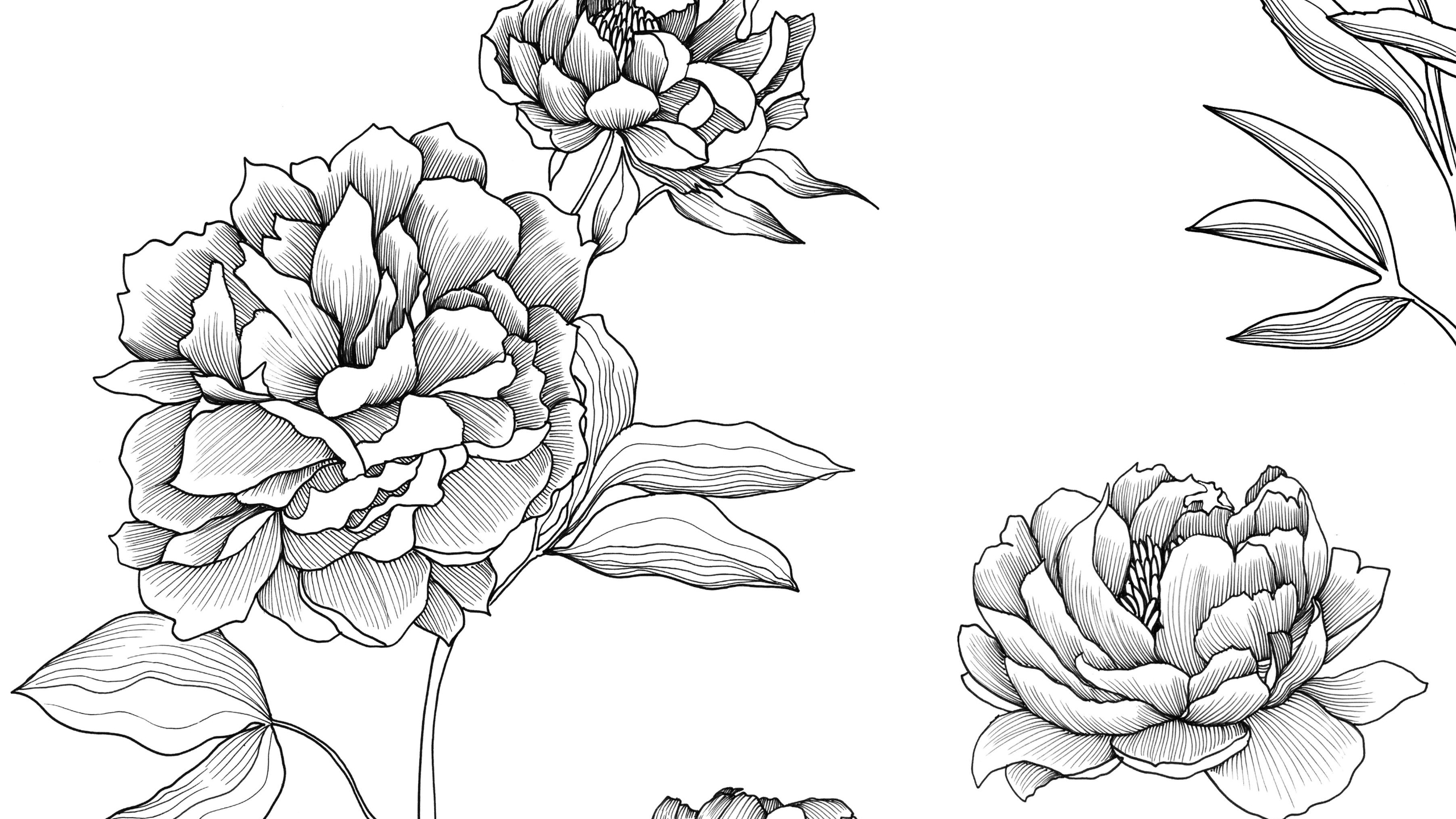
Elements to Get You Started
Download our hand-illustrated set of peony motifs to use for the course design. Have your own ready to go? You can of course use those instead...

Expert and Peer Support
Access our COURSE COMPANION community group. A quiet support space where you can get clarity, ask questions, and move forward with your work if you feel stuck

Knowledge Hub Access for life
Discover insights on topics you never considered asking about before! An expanding resource that addresses challenging inquiries.
Heres a breakdown on what you'll learn:
-
How to scan and clean up your illustrations for digital use
-
Step-by-step methods to refine and layer your hand-drawn motifs
-
How to enhance your colours while preserving your original style
-
Create an industry standard Repeat (vital for selling your designs professionally)
-
Arrange elements into balanced, beautiful layouts
-
Build multiple colourways efficiently for client-ready designs
-
Troubleshoot common design and repeat issues
-
Apply time-saving Photoshop tricks used by us, industry professionals

WHAT STUDENTS SAY

"I had been struggling to find this information, so I was delighted when this course was released, and it didn't disappoint."
- Julie, Hobart TAS

"I learnt a lot and very different to what I learnt at Uni. It's more specific to the workplace and a lot of clever shortcuts used to speed up design work."
Elizabeth, Melbourne VIC


Meet Your Instructors
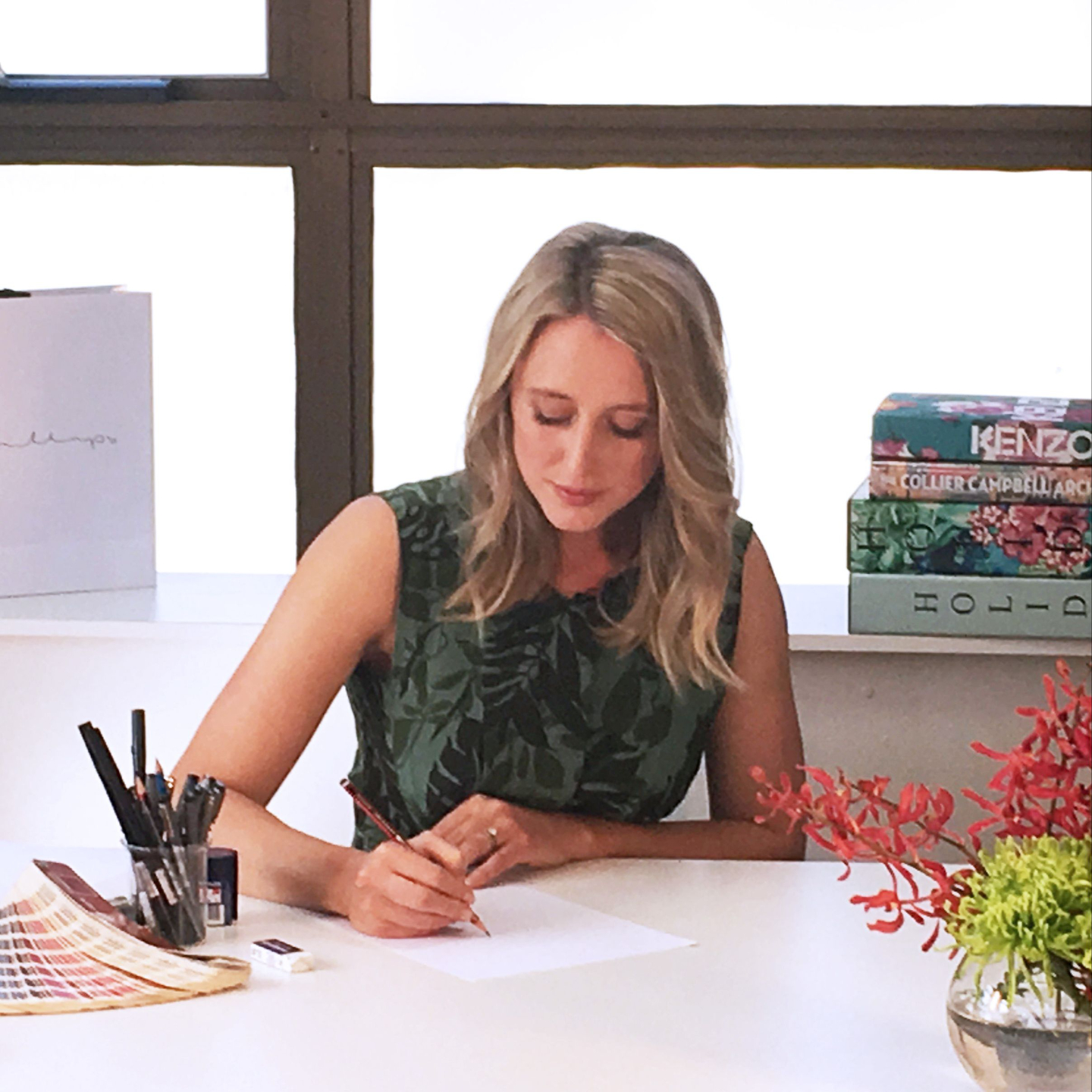
Katrina
Katrina spent 11 years as a Senior Textile Designer at Longina Phillips Designs, where she developed a strong, studio‑led approach to textile design. She studied a Bachelor of Fine Arts at COFA, majoring in drawing and painting, which continues to underpin her design practice.
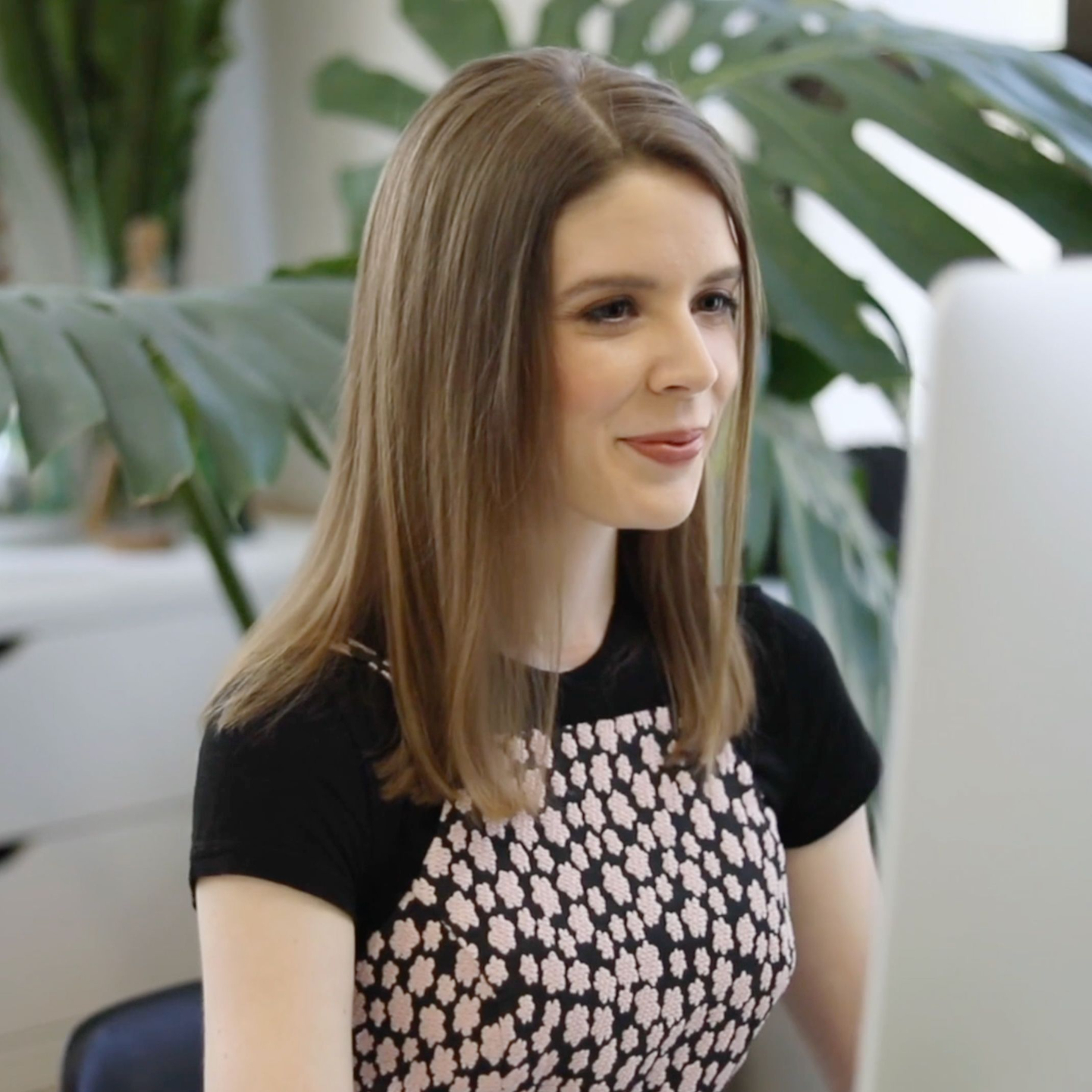
Charis
With over 15 years of industry experience, Charis is one of our most senior designers. Her work is consistently of the highest standard and inspires our in‑house design team on a daily basis. She studied Fashion and Textile Design at university before moving to the US to join the fashion teams of two behemoth retailers.