Photoshop For Fabric Design:
Watercolour
Master the Photoshop workflow that turns your watercolour art into polished, industry‑ready surface designs — from scanning and cleaning, through colour editing, to final colour separations.
What's includedUp Skill with People who Know about design
We are Longina Phillips Designs, a world‑leading surface design studio. For decades, our in‑house team has created stunning textile and surface designs featured in the collections of over 3,000 renowned brands worldwide.
The Print School is built entirely on our combined studio knowledge—the same proven design, painting, and production processes we use every day at the highest level of the industry. These courses aren’t theory; they’re the real‑world skills, techniques, and insights that have shaped our success, now shared with you.

This course is for you if:

You struggle to digitise and clean up your watercolour artwork?
You need guidance with editing your motifs and colour efficiently in Photoshop?
You want to create professional, industry-ready designs that clients and employers will love?
Whats inside:
Module 1
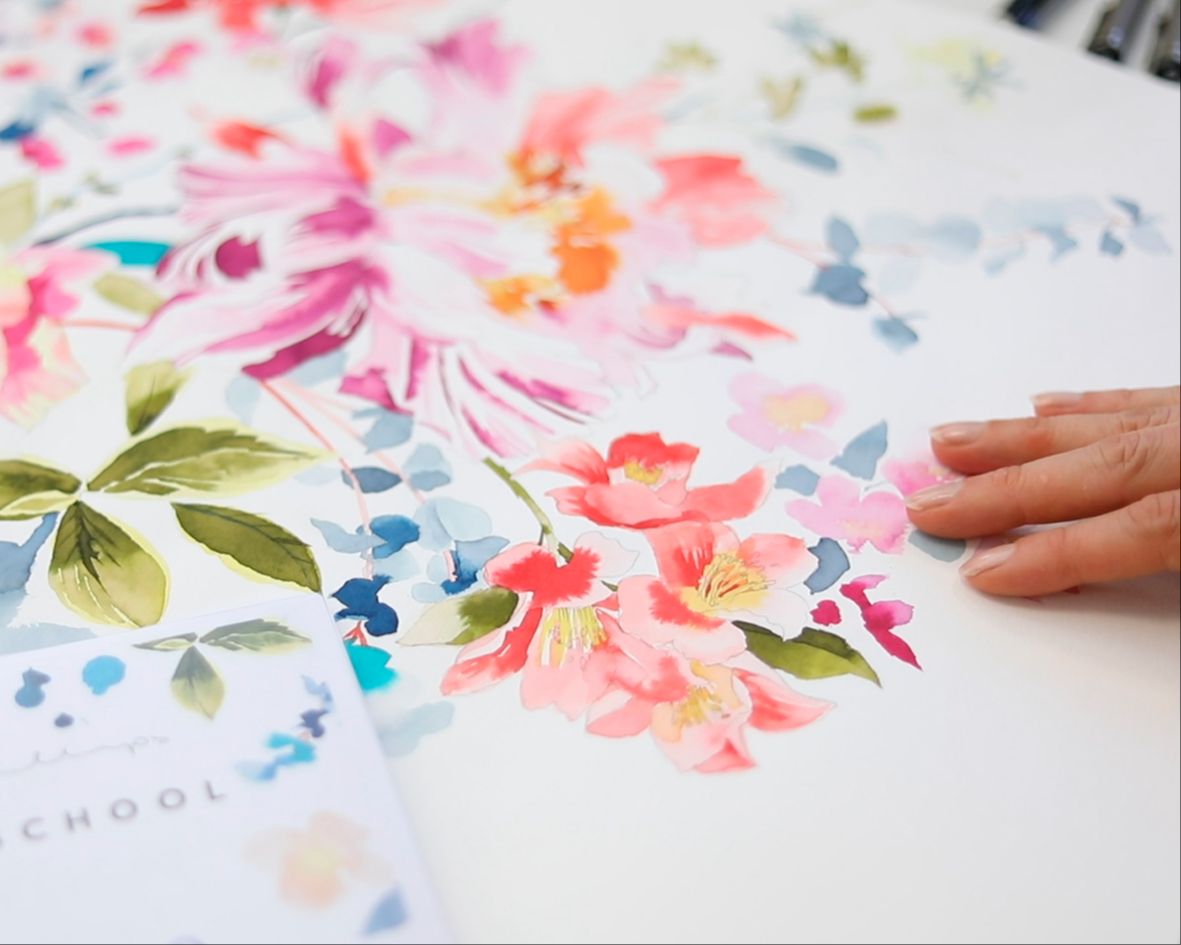
Scanning & Preparing Your Artwork
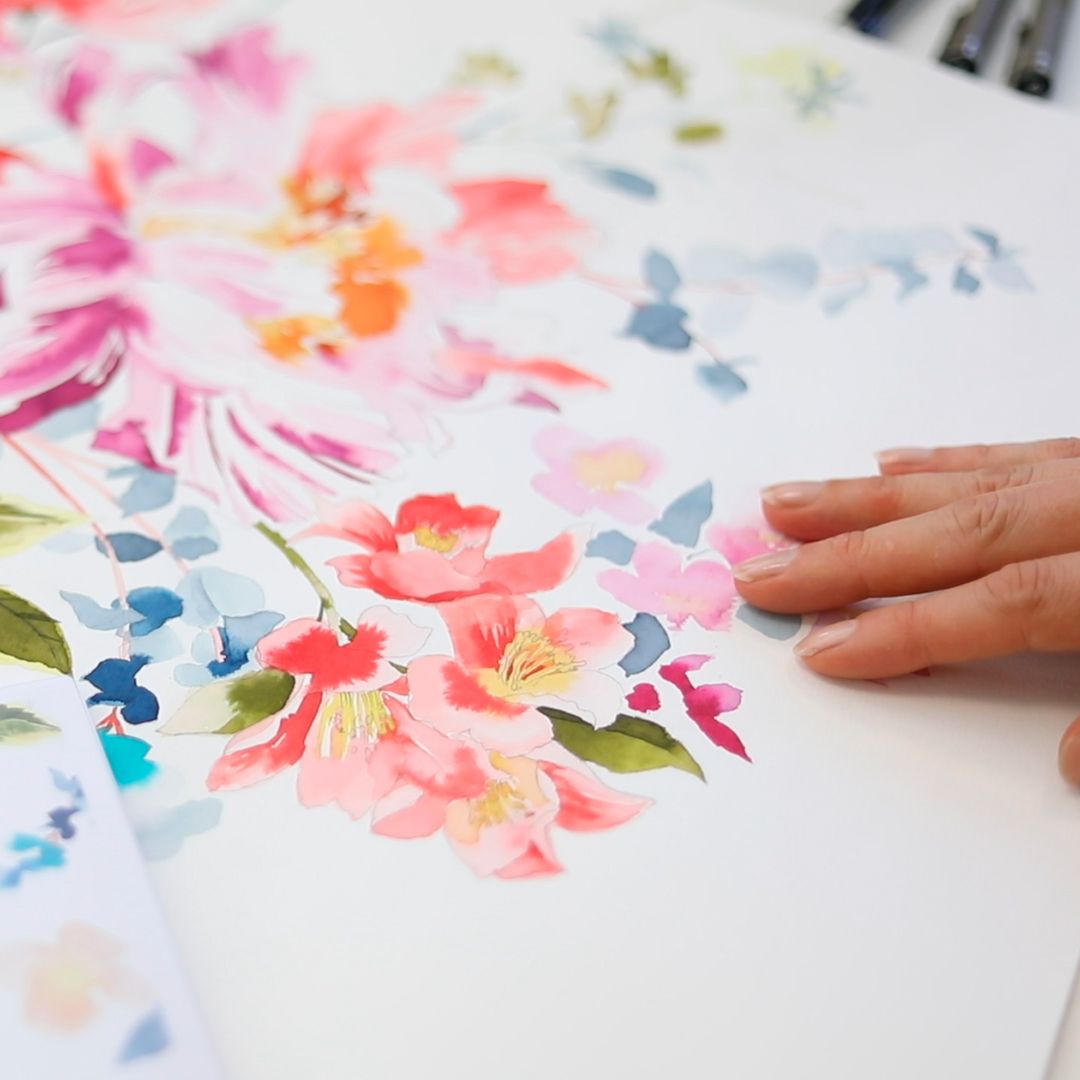
Learn how to digitise your painted watercolour motifs cleanly and accurately, including how to join multiple scans when your artwork is larger than your scanner.
Set up your files correctly from the start so your designs hold up through later stages of production.
Module 2
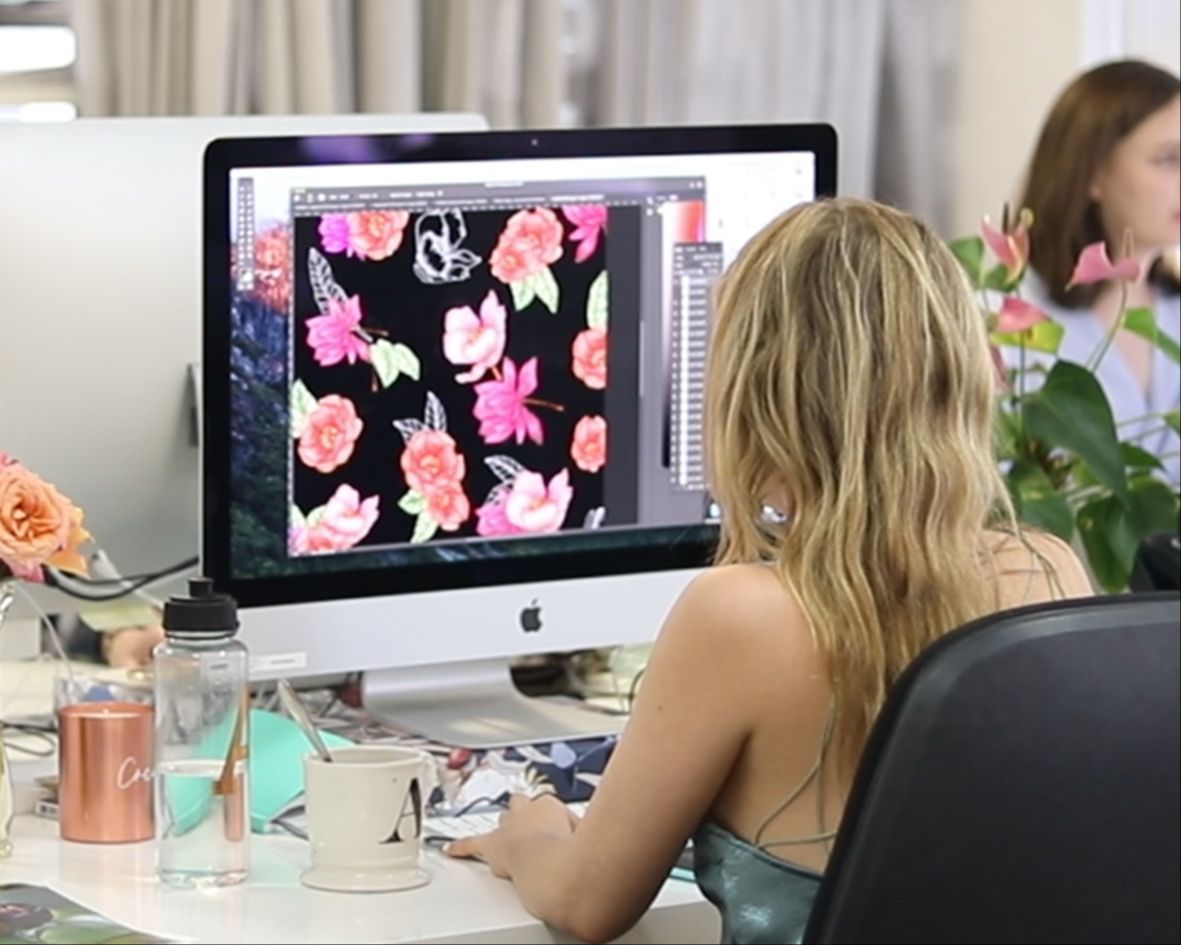
Colouring Without Losing Your Painting
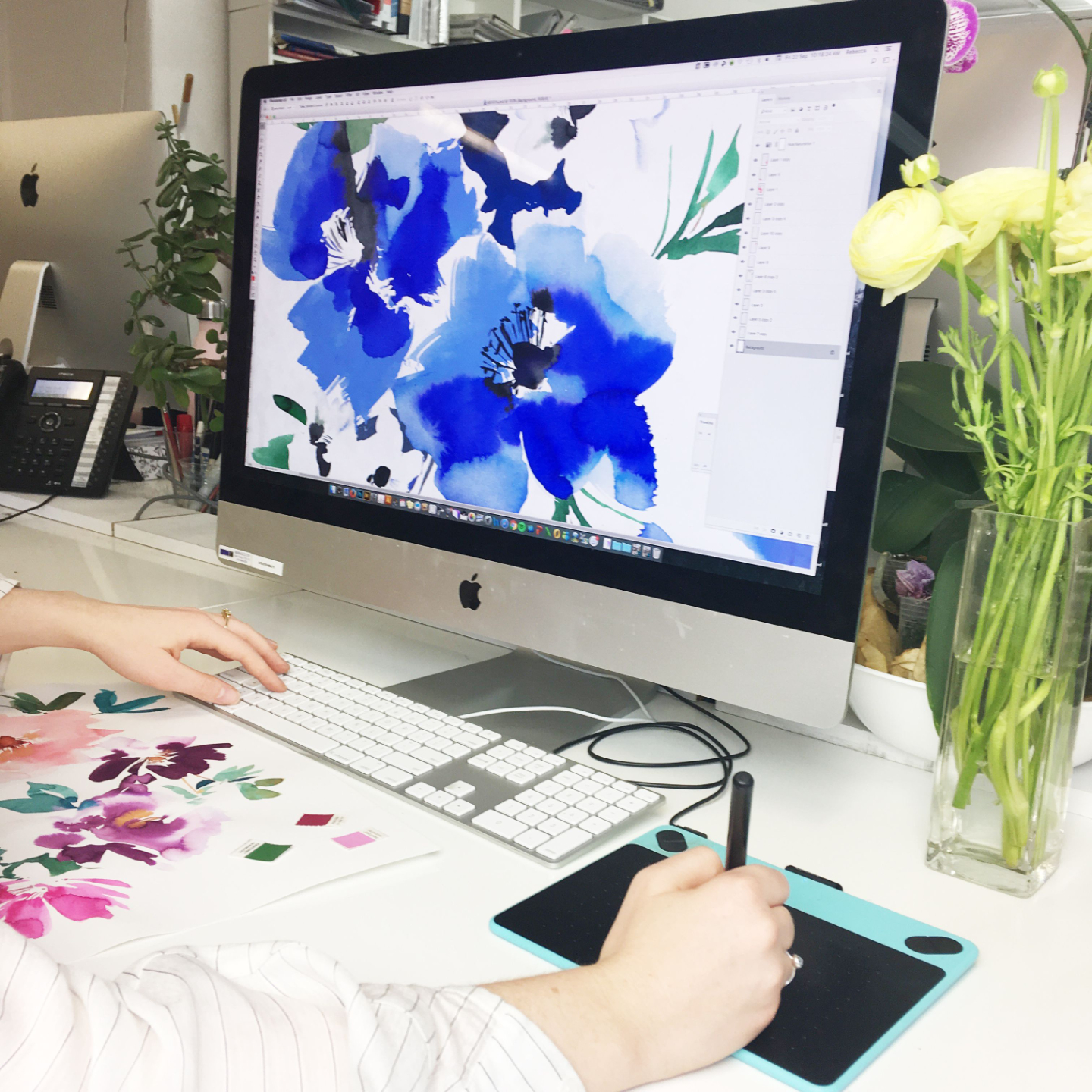
Discover how to adjust and refine colour in Photoshop without flattening, muddying, or overworking your original watercolour textures.
This module focuses on retaining the painterly quality of your work while improving cohesion and usability.

Module 3
Separating Elements Cleanly
Learn how to cut and separate your motifs with precision — including fine edges, pale washes, and soft details that are often lost with crude selection methods.
This is a key step in creating flexible, professional design assets.
Module 4
Layout & Composition for Fabric
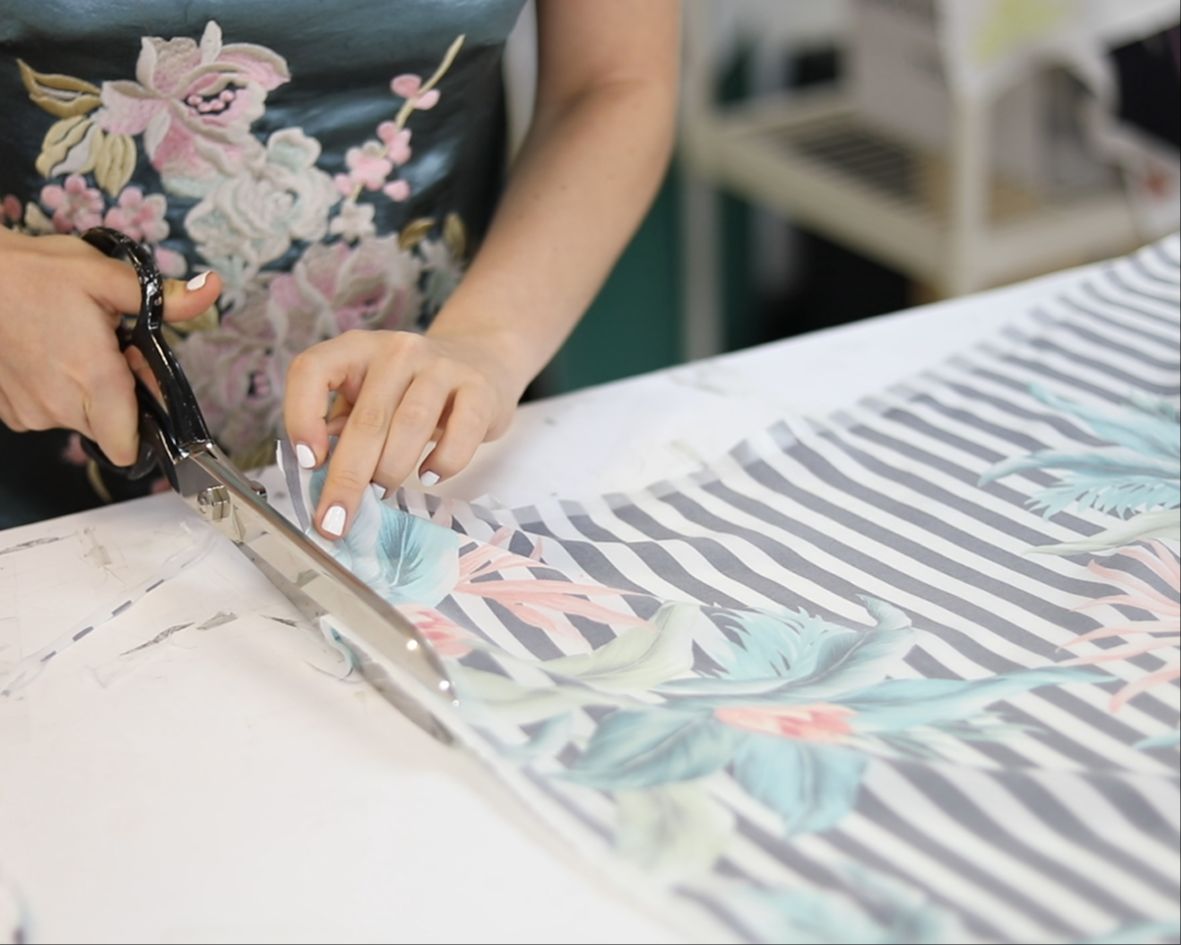
Move from individual motifs to complete fabric designs. You’ll learn how to build balanced layouts, create flow across a design, and make composition decisions that work visually and commercially.

Module 5
Creating Flexible Colourways
Learn how to create multiple colourways efficiently using Photoshop tools such as hue/saturation adjustments and replace colour. This module focuses on building versatile designs that can adapt to different briefs and markets.
Module 6
Industry‑Standard Colour Separation
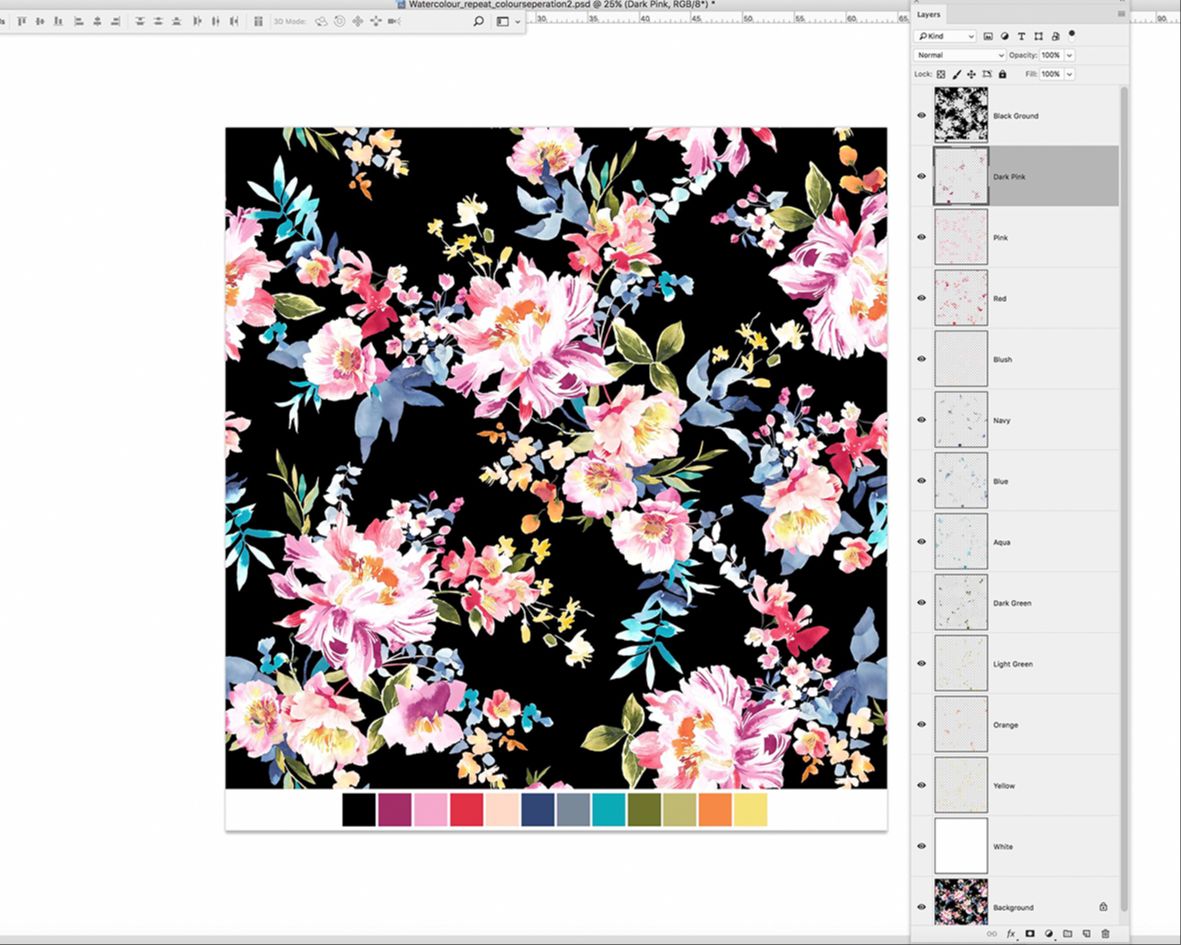
Understand how colour separation works in a professional textile context. You’ll learn how to prepare artwork for screen printing in the industry‑expected way, ensuring your designs are technically sound and production‑ready.

Module 7
Troubleshooting & Finishing
A practical roundup of common sticking points, mistakes, and “why didn’t anyone tell me this sooner” moments. This module helps tighten your workflow and resolve issues that often slow designers down.

Get all of this...

-
7 chapters
-
1.5 hrs of video lessons
-
In depth workbook
-
6 short bonus lessons
-
2 downloadable articles
-
Industry-acknowledged Completion Certificate
PLUS!
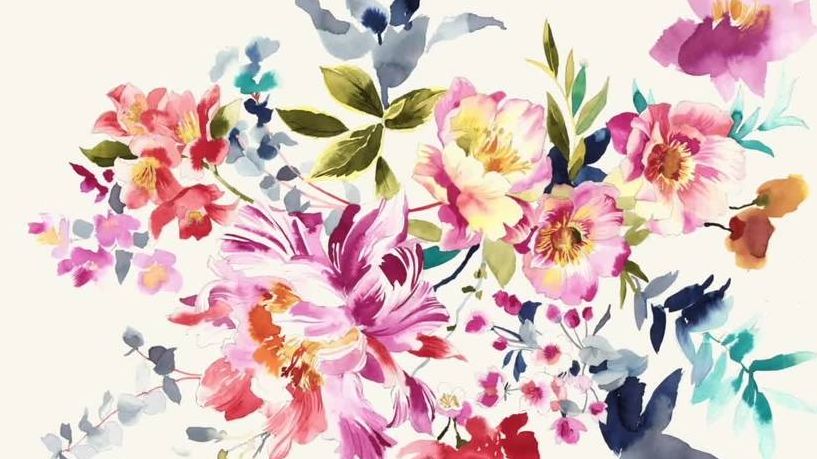
Elements to Get You Started
If you don’t have painted motifs ready, you can download our hand‑painted floral set and use those throughout the course. Already have your own? You’re welcome to work with them instead.

Expert and Peer Support
Access our COURSE COMPANION community group. A quiet support space where you can get clarity, ask questions, and move forward with your work if you feel stuck.

Knowledge Hub Access for life
Discover insights on topics you never considered asking about before! An expanding resource that addresses challenging inquiries.
Heres a breakdown on what you will learn:
-
How to scan, clean, and prepare your watercolour motifs professionally
-
Techniques to layer and refine your paintings for print
-
Step-by-step guidance on editing colours and creating multiple colourways
-
How to create fully colour-separated, print-ready designs
-
Tips for arranging elements into balanced, compelling layouts
-
Time-saving hacks used by us, professional surface designers
-
How to troubleshoot common design issues
WHAT STUDENTS SAY:

"Being self taught I've always been on the hunt for courses that can help me advance my skills, taking this course felt like hitting the jackpot."
- Ester, Brooklyn NY

"It's clearly defined for the textile design industry and I receive only essential and condensed information I need to make my designs look professional."
Monika, Creil NL

"Currently binging this course and WOW I slapped my forehead several times for not knowing some basic tool options."
Femi Ford, USA
Meet Your Instructors
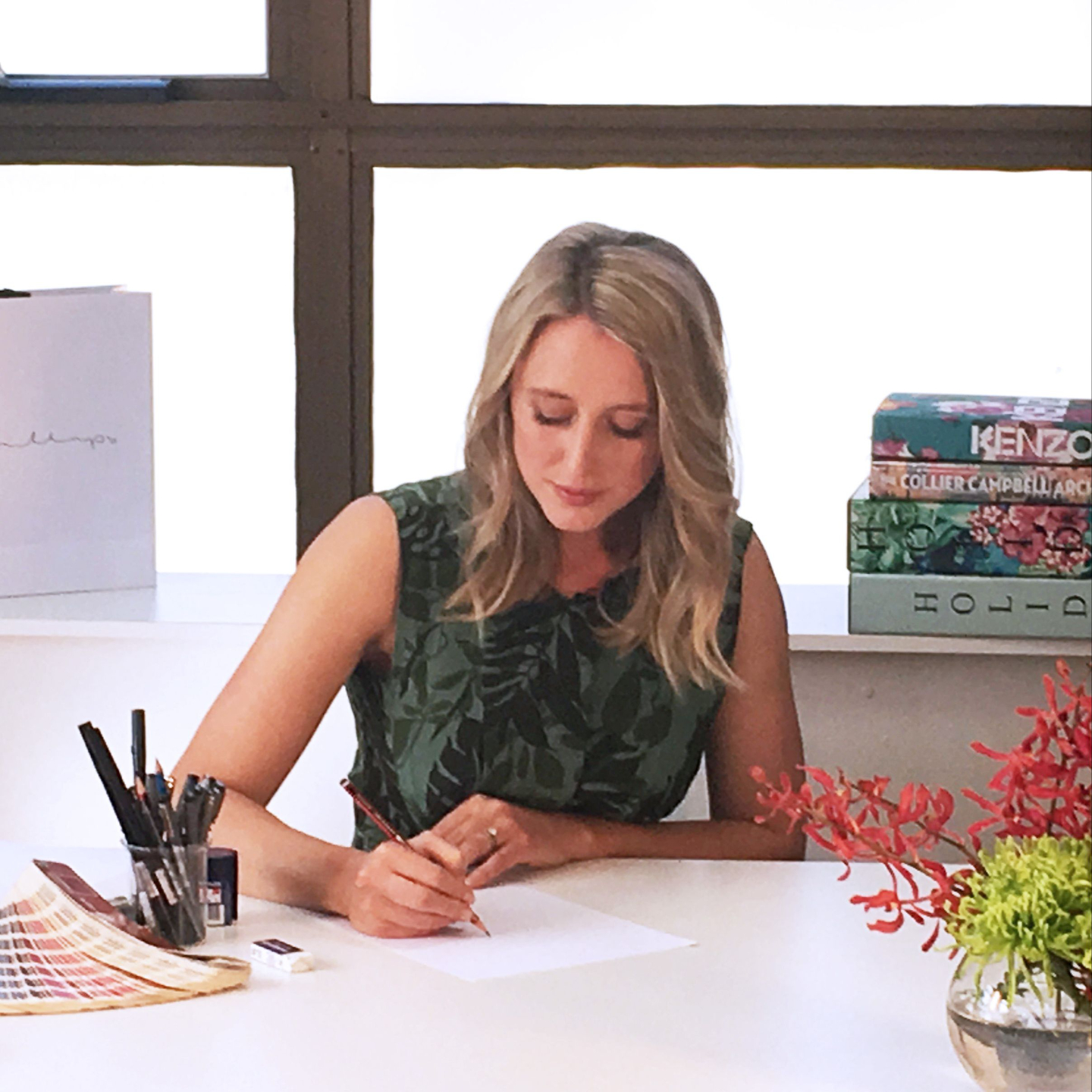
Katrina
Katrina spent 11 years as a Senior Textile Designer at Longina Phillips Designs, where she developed a strong, studio‑led approach to textile design. She studied a Bachelor of Fine Arts at COFA, majoring in drawing and painting, which continues to underpin her design practice.

Charis
With over 15 years of industry experience, Charis is one of our most senior designers. Her work is consistently of the highest standard and inspires our in‑house design team on a daily basis. She studied Fashion and Textile Design at university before moving to the US to join the fashion teams of two behemoth retailers.